
Start with what you need — a user-first view
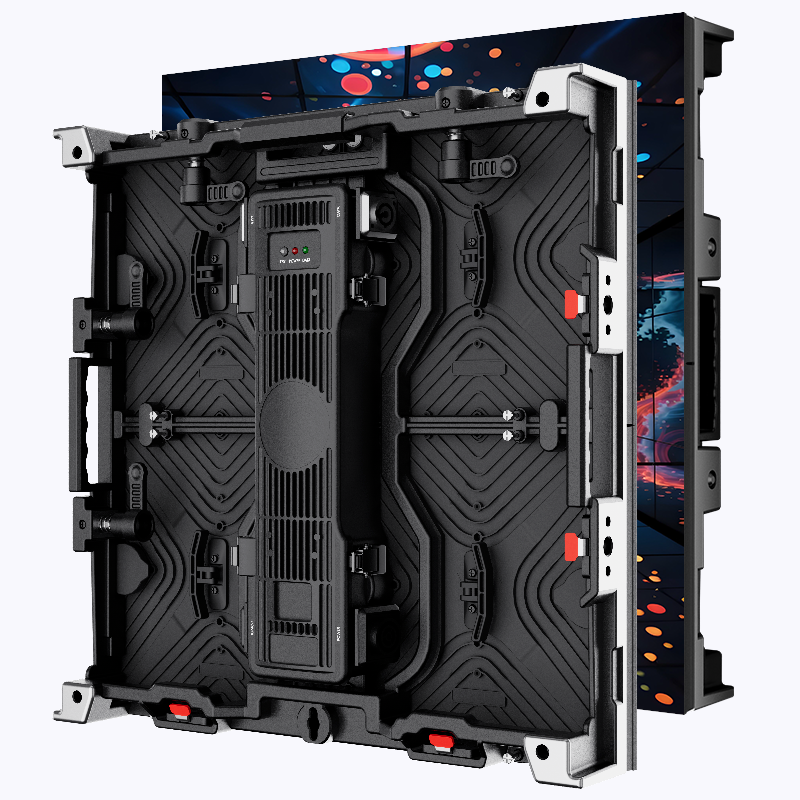
If your priority is clear sightlines, stable color, and low maintenance, Micro-LED deserves serious attention. This guide speaks to venue managers, production leads, and designers who need straightforward steps rather than marketing noise. Begin by imagining audience sightlines, power access, and content types; then match those needs to pixel pitch and brightness specs. For hands-on stages or immersive sets, consider a Stage LED Screen as a core component of your plan — it’s a practical starting point for sizing and content workflow.
Why Micro-LED works for indoor spaces
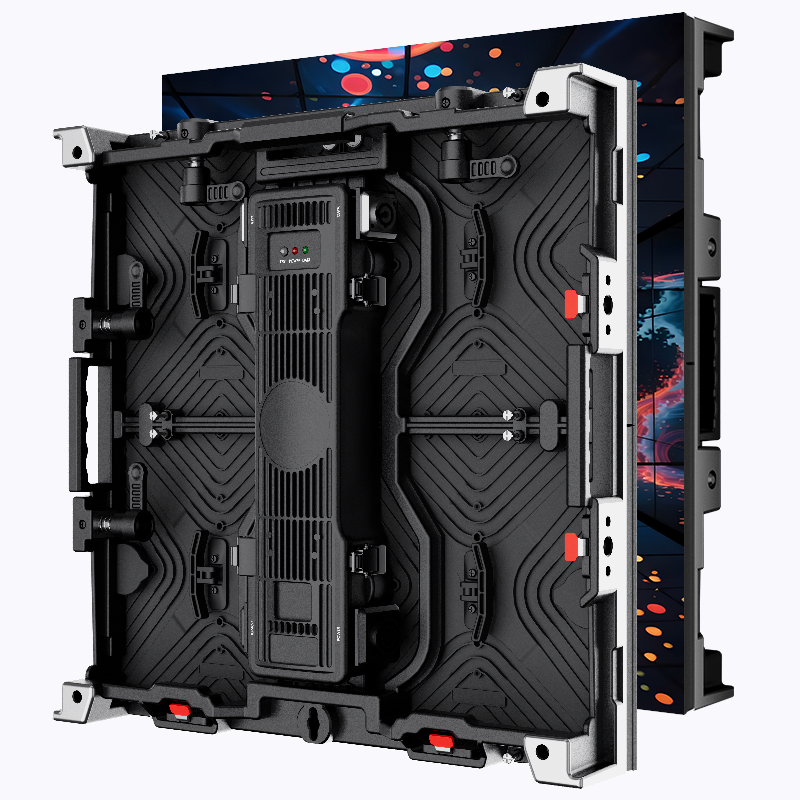
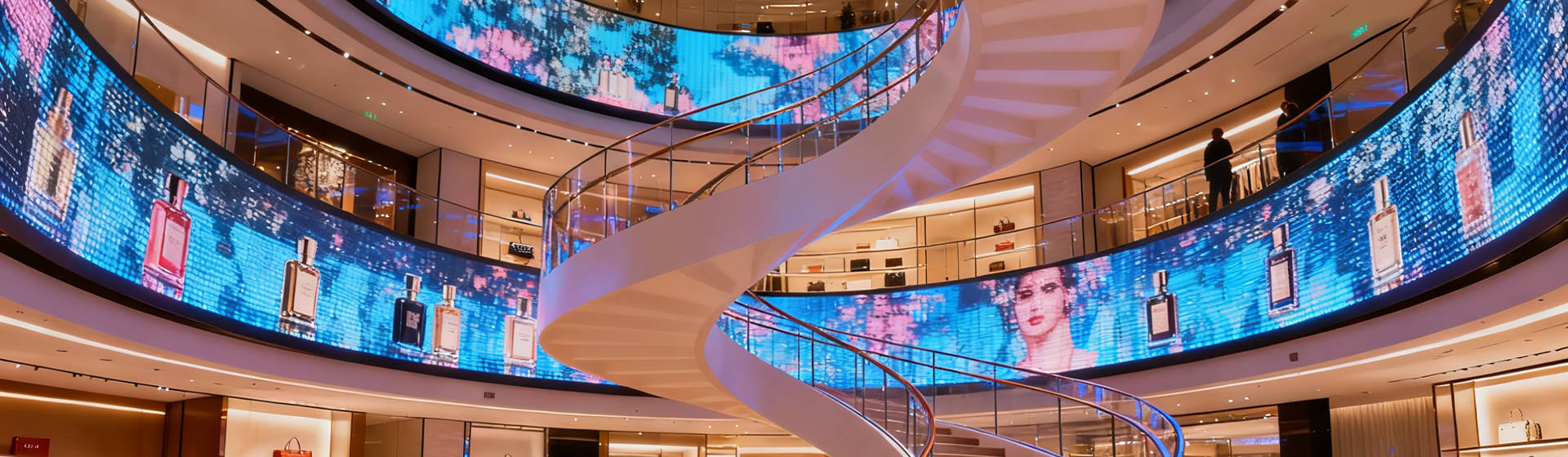
Micro-LED panels deliver crisp images with high contrast and excellent color uniformity, which matters when viewers sit close. Typical indoor pixel pitch runs roughly 0.9mm–2.5mm, letting you pick density that fits viewing distance and budget. Micro-LED also handles high refresh rates and HDR content without the motion blur that plagues lower-end displays. Madison Square Garden and similar arenas use direct-view LED technology to keep visuals consistent across large viewing angles — a useful real-world anchor for what reliable systems can achieve.
Key specs to prioritize
Focus on three practical specs first: pixel pitch, brightness (nits), and video processing. Pixel pitch dictates how close the front row can be; brightness determines usability under house lights; and a capable video processor ensures smooth scaling and color mapping. Add details like refresh rate and contrast ratio for high-motion or broadcast-focused events. For indoor use, aim for modular LED modules that simplify repair and minimize downtime.
Installation realities and common mistakes
Installers often underestimate structural load, cabling runs, and thermal management. Plan rigging points and service access before you order panels. Many teams also choose panels without checking the video processor’s input compatibility — that leads to last-minute converters and delays. — Don’t assume every supplier supports your control workflow; verify network protocols, input types, and pixel-mapping tools up front.
Content, playback, and on-site workflow
Good content planning reduces operational stress. Design visuals at native resolution whenever possible and test playback through the full chain: media server, video processor, and the display. If you rotate between live camera feeds and pre-rendered content, confirm the system can switch sources quickly and maintain color fidelity. For shows that need mobility or frequent reconfiguration, a led screen on stage helps keep setup consistent while cutting rebuild time.
Budgeting, maintenance, and expected ROI
Costs vary with pixel pitch and panel quality. Lower pitches cost more upfront but can extend the useful life by staying relevant as audience expectations rise. Factor in spare modules, a service plan, and a calibrated color workflow; these reduce downtime and preserve ticket revenue. Routine checks of connectors, firmware, and power distribution keep panels stable — they’re small tasks that prevent big show-day failures.
Three golden rules for choosing the right solution
1) Match pixel pitch to the closest viewer distance: choose a pitch that keeps individual pixels indistinguishable from the front row. 2) Verify system compatibility end-to-end: confirm inputs, video processor capacity, and color calibration tools before purchase. 3) Prioritize modularity and service access: panels and LED modules that can be swapped quickly save time and money in the long run.
Final thoughts and where Coblinks fits
Investing in Micro-LED for indoor venues yields clearer visuals, faster setups, and fewer surprises — measurable wins you can track in lower maintenance hours and better audience feedback. For practical sourcing and reliable hardware options, consider how suppliers simplify workflows and support rapid service; that practical value is where Coblinks often becomes part of the conversation — they make hardware choices feel like a natural solution, not an extra task. — Solid planning and the right partners get you a display that serves the show and the people running it.